
CSS Animation vs GSAP: How I Decide on Every Project
Technical PM + Software Engineer
Animation choices are one of those small decisions that can quietly determine project velocity, performance, and long-term maintenance. I use both CSS animations and GSAP depending on constraints and goals. This article captures the decision criteria I run through during planning: complexity of the animation, the performance budget (bundle and runtime), the team's familiarity with JS vs CSS animation APIs, and the project timeline. The goal: a reproducible flow you can apply to most UI animation decisions, plus concrete examples and implementation tips you can copy into your codebase.
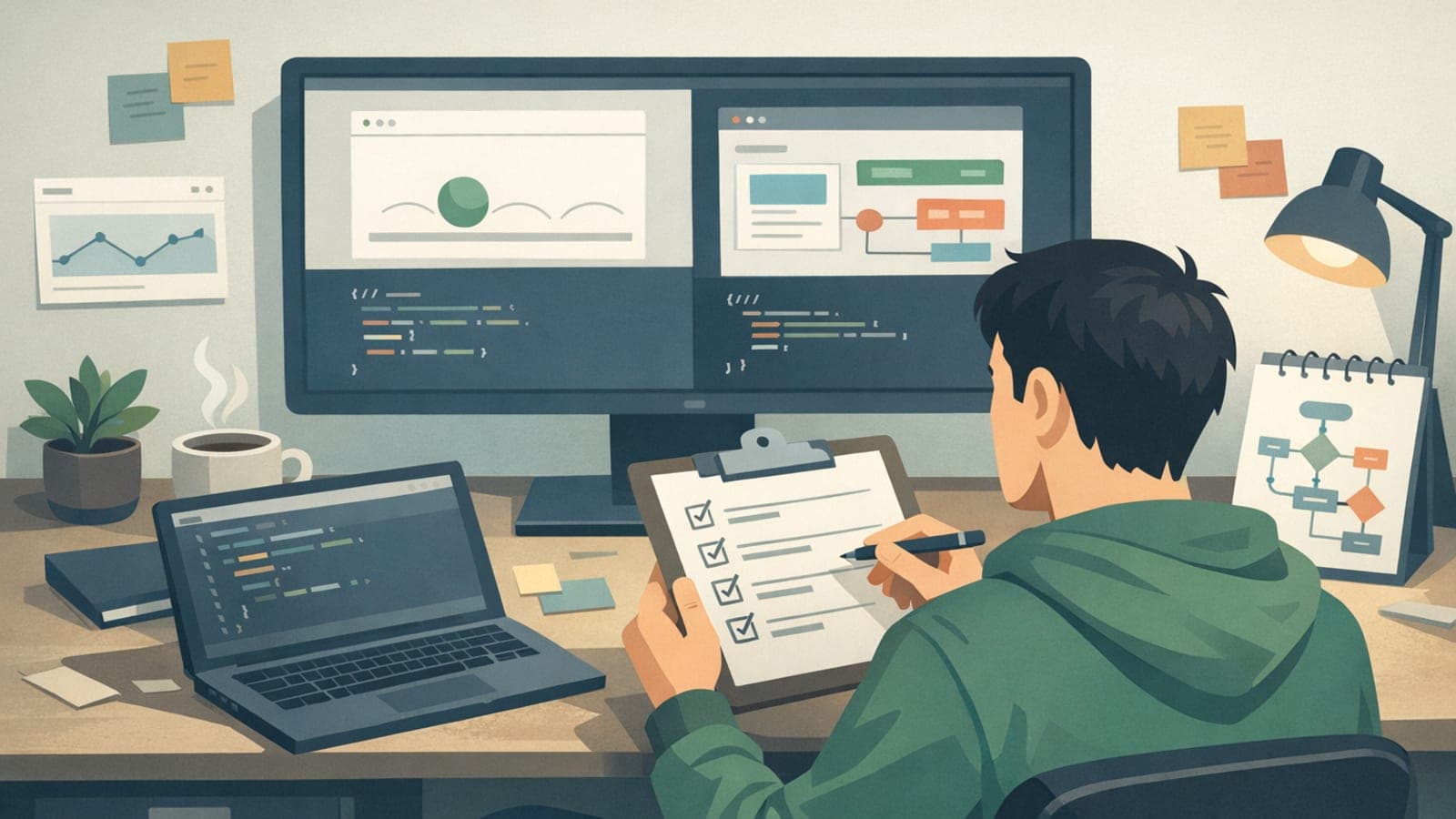
The decision criteria I use (short checklist)
When I evaluate an animation request, I run it through four practical criteria. This is the first filter you should apply before debating implementation details.
1) Complexity: How many elements, sequences, and cross-element coordination are required? Simple states and single-element transitions are different beasts from multi-stage entrances and choreographed sequences.
2) Performance budget: What is the acceptable runtime cost and bundle size? Are you on a performance-constrained environment (low-end mobiles, ad slots, critical first paint)?
3) Team familiarity: Does the team have strong CSS skills and conventions, or are they more comfortable writing JS-driven animation logic?
4) Timeline: Is this a quick polish that must ship today, or is it a major feature that will be iterated on over months?
- Use CSS for low-complexity, style-driven transitions that can be expressed with transitions or keyframes.
- Lean on GSAP when you need precise timelines, sequencing, or advanced features like staggered control, scrubbing, or FLIP.
- Always consider the performance and bundle-size implications up front.
When CSS animation wins (and what to implement)
CSS should be your go-to for simple, state-driven, and purely aesthetic transitions. It is built into the rendering pipeline, easy to author, and requires no runtime library. Typical winners include hover effects, focus states, modal fades, simple entrance transitions, and motion between two known states.
Implementation tips: prefer transform and opacity properties because they are composite-only and typically GPU-accelerated. Avoid animating layout-triggering properties like width, height, top, left if you care about smoothness. When you must animate layout, consider the FLIP pattern (but note that FLIP is easier with JS helpers).
- Use transitions for state changes: transition: transform 220ms cubic-bezier(...);
- Use keyframes for repeating/complex motion that doesn't require JS control: @keyframes slideIn { from { transform: translateY(12px); opacity: 0 } to { transform: translateY(0); opacity: 1 } }
- Keep CSS animations declarative and simple to make them testable and accessible
When GSAP wins (and what it buys you)
GSAP is a runtime animation library that provides precise control over sequences, easing, staggering, timelines, and runtime manipulation. I reach for GSAP when the animation needs cross-element coordination, timeline control (pause, reverse, scrub), or when the UI requires complex FLIP-style layout transitions across many elements.
GSAP also simplifies complex choreographies where you need relative timings: animating a hero, then multiple child elements in staggered fashion, then triggering a state change elsewhere. Its timeline API is explicit and debuggable, which is invaluable for complex UX micro-animations.
- Use GSAP for: multi-step entrances, orchestrated navigation transitions, robust FLIP workflows, and animations tied to user-controlled scrubbing (scroll/drag).
- Performance tip: prefer transforms and opacity with GSAP; use GSAP's Flip plugin when you need to animate layout changes with good performance.
- Consider the bundle cost: GSAP core adds a runtime dependency (~tens of KB gzipped). Make that trade-off conscious.
Concrete examples: when I chose CSS vs GSAP
Example A — Micro-interaction: button hover that lifts and adds shadow. Decision: CSS. Reason: single element, one state to another, negligible complexity, trivial to maintain. Implementation (CSS): .button { transition: transform 160ms cubic-bezier(.2,.8,.2,1), box-shadow 160ms; } .button:hover { transform: translateY(-4px); box-shadow: 0 10px 20px rgba(0,0,0,0.12); }
Example B — Landing hero with sequenced reveals and parallax layers. Decision: GSAP. Reason: multiple child elements need staggered entrance, precise offsets, and a final timeline-controlled CTA animation. Implementation sketch (GSAP): const tl = gsap.timeline(); tl.from('.heading', {y: 24, opacity:0, duration:0.6}); tl.from('.sub', {y: 18, opacity:0, duration:0.5}, '-=0.3'); tl.from('.card', {y: 30, opacity:0, stagger:0.12, duration:0.5});
Example C — Responsive list reordering on data change (animated reposition). Decision: GSAP Flip plugin. Reason: animating layout changes when items reorder is difficult without FLIP; GSAP’s Flip handles cloning and efficient transforms so you get smooth motion without manual layout math.
- Choose CSS for single-element, two-state motions — fastest to implement and cheapest to ship.
- Choose GSAP when choreography, relative timing, or runtime control is required.
- When animating layout changes (reflow), prefer FLIP-style solutions. GSAP provides utilities that reduce implementation complexity.
Performance budgeting: runtime and bundle trade-offs
Every animation decision should be informed by a performance budget. Two budgets matter: bundle size (how many bytes you add to the shipped JS) and runtime cost (CPU/GPU work during animation).
Bundle: adding GSAP introduces a dependency. If you operate under tight shipping constraints (e.g., critical path < 50kb transferred for first load), prefer CSS or lazy-load GSAP only when needed (dynamic import or CDN load on interaction).
Runtime: avoid animating properties that trigger layout. Prefer transform/opacity. If you must animate layout (width/height), try to pre-compute or use the FLIP technique to convert layout changes into transforms. Test on representative low-end devices and inspect frame times (Chrome DevTools Performance) to ensure you meet your frame budget (aim for 60fps or a stable 16ms per frame budget; on constrained devices, even 30fps may be a target).
- Lazy-load heavy animation libraries only where their value is realized.
- Prefer composited properties (transform, opacity) to reduce paint/layout thrash.
- Profile on target devices rather than assuming desktop results generalize.
Team familiarity and timeline: leadership considerations
As an engineering lead, the right tool is often the one the team can implement and maintain well. If your team is fluent in CSS animations and the requests align with CSS strengths, choose CSS to reduce review friction and avoid introducing new dependencies.
If the timeline requires rapid prototyping with complex sequences and your team already knows GSAP, choose GSAP to accelerate development. Conversely, if you must adopt GSAP but the team lacks experience, budget time for onboarding or pair programming to avoid lengthy bug cycles.
Communicate the trade-offs in planning: list the complexity, estimated implementation time, and maintenance implications. That clarity lets product managers and designers choose scope vs fidelity trade-offs early.
- Favor established team skills to minimize ramp-up and debugging overhead.
- When introducing GSAP, treat it like any other platform dependency: document usage patterns, linters, and where to import it.
- If time is tight, start with CSS for a minimum-viable animation; migrate to GSAP if the feature scope expands.
Conclusion
There is no single correct choice between CSS and GSAP. Use a short, repeatable decision flow: assess complexity, check the performance budget, evaluate team familiarity, and respect the timeline. Default to CSS for simple, state-driven transitions that can be expressed with transforms and opacity. Reach for GSAP when you need precise timelines, orchestration across many elements, or advanced FLIP-style layout transitions. As a leader, make the dependency and maintenance costs explicit during planning and pick the approach that minimizes risk while delivering the required user experience.
Action Checklist
- Create a small decision checklist in your project repo that maps common animation patterns to CSS or GSAP based on the four criteria.
- If adopting GSAP, add an example timeline and a Flip demo to your component library so teams can copy a working pattern.
- Profile animations on target devices early. Add a note to your sprint definition of done: “Animation performance tested on low-end device.”
- Document when to lazy-load animation libraries to protect the initial bundle size.